Whether you are a professional or working on your tech certifications, labbing is no longer a luxury, but a must.
While studying and preparing for certifications, labbing the concepts will not only help you get a better understanding of the topics, but enhance your skills and give you that confidence you need for the exam day. For CCIE preparation, it becomes even more necessary to have 100s of lab hours under your belt, as that is the only way to crack the hands-on lab exam.
As a professional, you would also lab for POCs and scenario you need to validate before finalising a design, or pushing forward with an implementation.
Using real labs is always the prefered choice, especially when the aim is to validate a design destined for production, or a S/W image testing, ensuring there are no nasty hidden bugs. But when the H/W is not available, or you simply need to run a quick lab to validate a configuration behaviour, then using virtual emulators is the 2d best choice.
Over the years, few platforms have consistently stood out amongst engineers. GNS3, EVE-NG and Cisco CML. I use both interchangeably, and lean towards over the other depending the lab I plan to run and the ease of spinning up a topology.
In this tech post, we focus on comparing EVE-NG community and CML personal versions.
EVE-NG
What I do like about EVE-NG:
- Multivendor support, I can mix and match my nodes and test interoperability.
- Better annotations and labelling.
- No nodes limit, as long as your system can support the load.
- Community edition is free.
- Out of the box ssh or telnet to nodes.
- lab cloning.
What I do not like about EVE-NG:
- The need to procure the images for each platform.
- Extra work creating the necessary folders, loading the images and setting permissions.
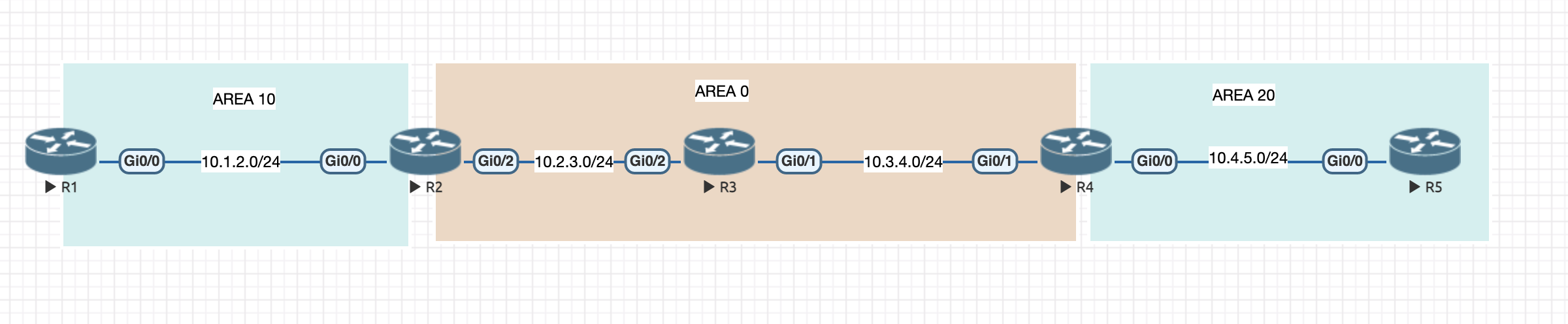
CML-P
What I do like about CML:
- Cisco official images out of the box.
- Great integration with Devnet Sandbox.
What I do not like about CML:
- License is not free for 20 nodes and more.
- Multivendor support is possible, but requires extra work with node definition.
- Until recently, annotation were limited.
- I dislike the breakout tool with a passion.
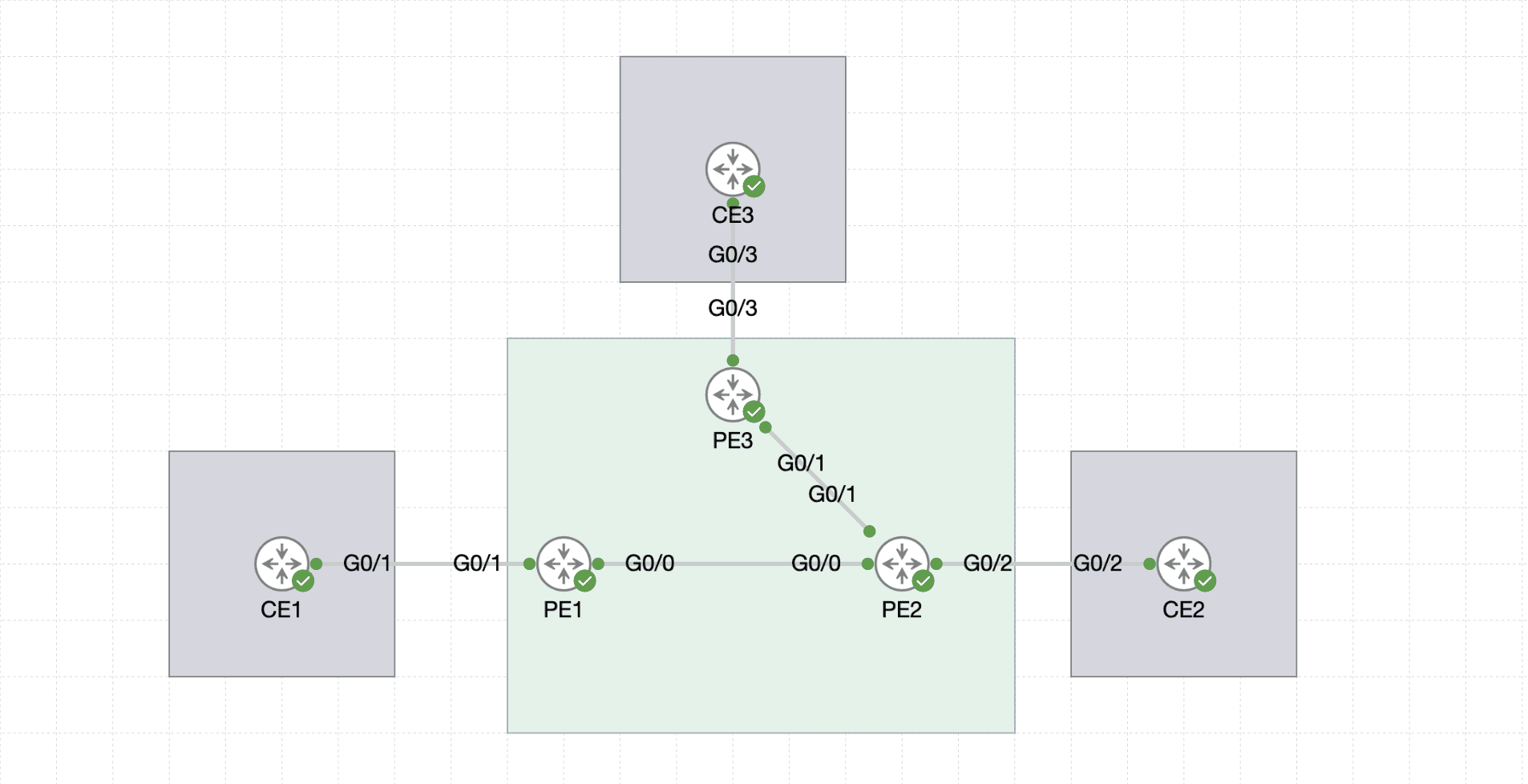
Why I prefer Cisco CML
In all fairness, I was not always a fan, even if I have used CML from when it was named VIRL. Compare dto EVE-NG, It lacked annotations and nodes access was and still is a pain.
So what has changed? Latest 2.9 update brought quite few new welcome additions:
- Pre-built container images, for example browsers such as Chrome and Firefox. Network services (Radius and TACACS+).
- Sample labs ready to import. I am hoping to see more labs populating this repository
- ISE, Splunk and Thousand eyes images.
Overall, the possibilities are opening up for more labbing and learning options. Again, it depends on your system resources.
System resources requirements
Some images and nodes are more hungry than others. For example, I started using IOL when I just need a plan router. It boots fast and does not eat up my resources.
As a guideline, here are some number so you can estimate how many nodes and type you can run simultaneously. It is always a good idea to avoid starting all nodes at the same time.
| Node Type | vCPUs | Memory | Minimum Disk Consumption | Maximum Disk Consumption |
|---|---|---|---|---|
| ASAv | 1 | 2 GB | < 100 MB | 8.5 GB |
| CAT 8000V | 1 | 4 GB | 500 MB | 8 GB |
| CAT 9000v Q200 | 4 | 18 GB | 500 MB | 16 GB |
| CAT 9000v UADP | 4 | 18 GB | 500 MB | 16 GB |
| CAT 9800-CL | 2 | 6 GB | 500 MB | 16 GB |
| CSR1000v | 1 | 4 GB | 500 MB | 8 GB |
| FMCv | 4 | 32 GB | N/A | 250 GB |
| FTDv | 4 | 8 GB | N/A | 50 GB |
| IOL | 0 | 1 GB | < 100 MB | 2 GB |
| IOL-L2 | 0 | 1 GB | < 100 MB | 4 GB |
| IOS-XRv | 1 | 3 GB | < 100 MB | 4 GB |
| IOS-XRv 9000 | 4 | 20 GB | 5 GB | 64 GB |
| IOSv | 1 | 512 MB | < 100 MB | 2 GB |
| IOSv-L2 | 1 | 768 MB | < 100 MB | 4 GB |
| NX-OS | 1 | 3 GB | < 100 MB | 4 GB |
| NX-OS 9000 | 2 | 12 GB | 2.5 GB | 10.2 GB |
| SD-WAN Edge | 2 | 5 GB | 500 MB | 8 GB |
| SD-WAN Controller | 2 | 4 GB | 500 MB | 10.5 GB |
| SD-WAN Manager | 8 | 16 GB | 500 MB | 277 GB |
| SD-WAN Validator | 2 | 4 GB | 500 MB | 10.5 GB |
| SD-WAN vEdge | 2 | 2 GB | 500 MB | 10.5 GB |
Best Systems to Run CML (or EVE-NG)
Running CML smoothly depends heavily on the hardware resources, especially CPU, RAM, and storage. 16GB is good but 64 is better 256 is the dream.
So which systems would work best? I am MacOs user, and M series chips does not support nested virtualisation. So I found myself hunting for powerful workstations and servers.
I started looking at the likes of Dell PowerEdge R720, which ticks all the boxes. Then I came across smaller or mini PCs, quiet and powerful. 2 caught my eyes, Minisforum MS-A2 and ASUS NUC 14 Pro+, both supporting up to 96GB Ram, which is a sweet spot.